This website uses cookie or similar technologies, to enhance your browsing experience and provide personalised recommendations. By continuing to use our website, you agree to our Privacy Policy and Terms of Use.
Accept
IndiaPost LiveIndiaPost LiveIndiaPost Live
  • Home
  • India
  • World
  • Business
  • Entertainment
  • Sports
Notification Show More
Font ResizerAa
IndiaPost LiveIndiaPost Live
Font ResizerAa
  • Home
  • India
  • World
  • Business
  • Entertainment
  • Sports
  • India News
  • State
  • World
  • Entertainment
  • Business
  • Trending
  • Sports
  • Career
  • Lifestyle
  • Languages
Follow US
© 2024 NM Media. All Rights Reserved.

News » India News » Where to check EPF balance: Here’s how to know your PF claim status

India News

Where to check EPF balance: Here’s how to know your PF claim status

NM Desk
Last updated: 2 November, 2024 3:27 PM
NM Desk
Share
Where to check EPF balance: Here’s how to know your PF claim status

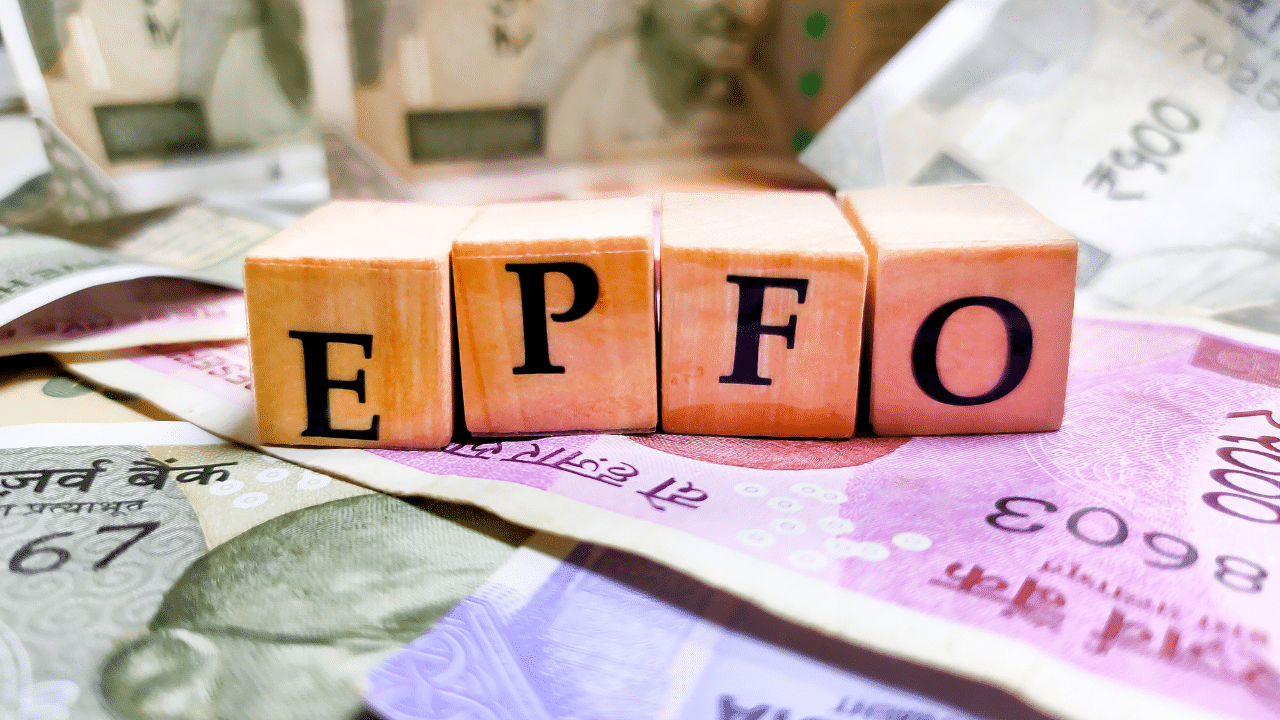
New Delhi: The Employees’ Provident Fund (EPF) is one of the best savings tools in India for those who are working. In the EPF, both the employer and the employee can contribute an equal amount towards savings. The employee can take advantage of the amount after his or her retirement or after the person changes the job.

Contents
How to check the balance using the UMANG/EPFO App?How to check PF balance without UAN?How to check EPF claim status?

One can check the EPF balance by giving a missed call, or by sending an SMS, through the EPFO app or Umang app and the EPFO portal. It is important to check the balance of the EPF. In this article, we will tell you about the different ways you can check the EPF balance.

How to check the balance using the UMANG/EPFO App?

You must have an activated Universal Account Number (UAN) to check the EPF balance this way. It is a unique identification number which all the employees enrolled under the EPF scheme have. After the activation of the UAN number, you have to follow the below-mentioned steps

Read More

Karnataka health minister denies medical mafia claims, announces ambulance reforms
Ola, Uber react to Android, iPhone price differentiation |Here is what they say
Tripura now ‘land-linked’, peace restored through pacts with outlawed groups: Amit Shah

Step 1: First, go to the EPF portal. There, under the ‘Services’ section, click on the ‘For Employees’ section.

Step 2: Under the Services section, you have to click on ‘Member Passbook’.

Step 3: You will directed to a new page where you have to enter the UAN and password. After that, fill in the Captcha and Sign In.

Step 4: Given that your phone is linked with the Aadhaar, an OTP will be sent to the number.

Step 5: In the next step, you have to enter the OTP and click ‘Verify’. On the screen, the PF account balance will be displayed.

How to check PF balance without UAN?

You can check the PF balance without the UAN as well. For that, you have to send an SMS to an SMS to 7738299899 in the format ‘EPFOHO UAN LAN’. You can set your preferred language of communication in the SMS and can only use the first three characters of the language. Also, one can check the EPF balance by giving a missed call to 9966044425 from the registered mobile number but only if your UAN is integrated with KYC details. You will just have to give a missed call and an SMS with your PF details will be sent.

How to check EPF claim status?

Step 1: To check the claim status, first go to the EPFO website and click on ‘Services’. After that, click on the ‘For Employees’ option.

Step 2: After that, click on ‘Know Your Claim Status’ and you will be redirected to a page of the member passbook application.

Step 3: In the next step, enter the Universal Account Number (UAN), password and captcha to log in.

Step 4: Click on the option of ‘View Claim Status’ and you can see the claim status.

You Might Also Like

Rau IAS Coaching Centre Flooding Deaths: Judicial Custody for Five Arrested

Salient features of INS Nilgiri: India’s new era of maritime muscle

Bulldozer justice: Executive cannot declare a person guilty, says Supreme Court

SC dismisses plea seeking pan-India regulation on ‘prasad’ quality in temples

Toll exemption announced on Lucknow-Prayagraj National Highway for Mahakumbh

TAGGED:EPF balance checkepf claim statuspf claim status checkumang epfo missed call number
Share This Article
Facebook Twitter Whatsapp Whatsapp Telegram Copy Link

Latest News

image editor output image812472244 1770024678844
Singer Jasmeen Akhtar drops her latest single Malak Dyaal
Entertainment
IMG 20260202 WA0000
Indie Artist Prabhanjan Unveils First Look of His Upcoming Afro-Desi Single ‘Thugwa’
Entertainment
indiapost live
They have history and history of overlooking that as well: Jaishankar on Pak-US ties
India News
Centre conspiring to stop free ration of 55 lakh Punjabis: CM Bhagwant Mann
India News

You also Like

Delhi-NCR continues to suffer with ‘very poor’ AQI despite the enforcement of GRAP-2
India News

Delhi-NCR continues to suffer with ‘very poor’ AQI despite the enforcement of GRAP-2

NM Desk NM Desk 3 Min Read
Live 3cm cockroach removed from man’s intestine in Delhi
India News

Live 3cm cockroach removed from man’s intestine in Delhi

NM Desk NM Desk 2 Min Read
Rahul Gandhi, nephew Raihan paint walls and make diyas in heartfelt Diwali tribute
India News

Rahul Gandhi, nephew Raihan paint walls and make diyas in heartfelt Diwali tribute

NM Desk NM Desk 3 Min Read
IndiaPost LiveIndiaPost Live
Follow US
© 2024 NM Media. All Rights Reserved.
  • About Us
  • Privacy Policy
  • Contact Us
Welcome Back!

Sign in to your account